
The Google Business Profile Checklist: 12 Fixes That Move You Up the Map
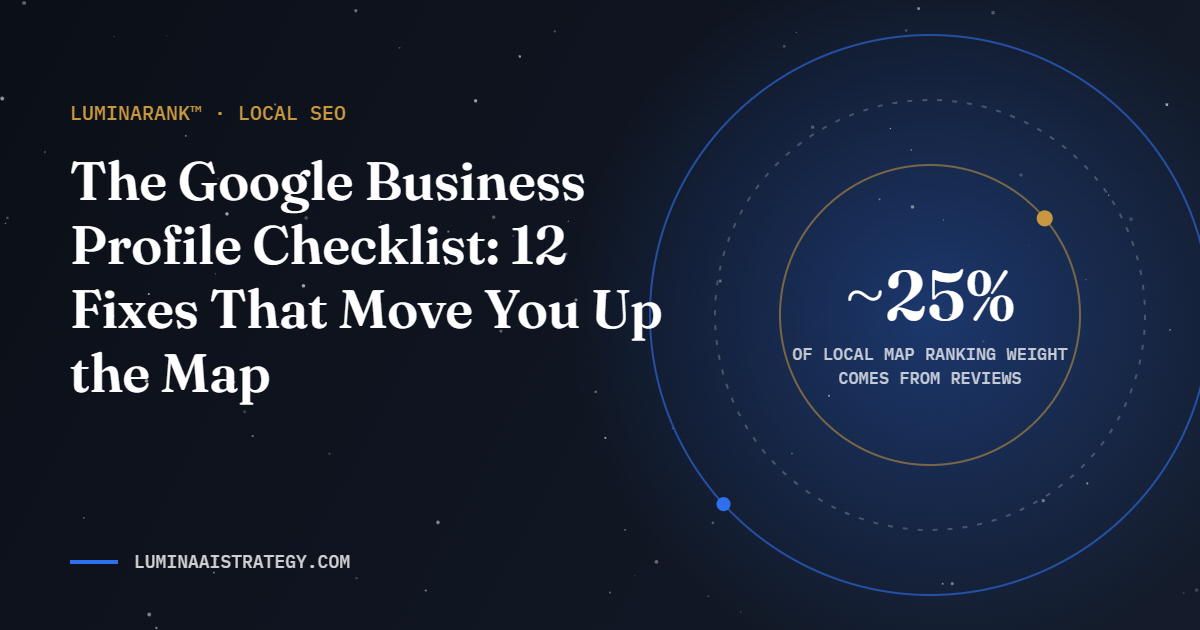
When someone searches for a service near them, the map results and AI answers decide who gets the call. Your Google Business Profile (GBP) sits at the center of both. Whitespark’s 2026 Local Search Ranking Factors report, built from a survey of leading local SEO experts, estimates that Google Business Profile signals make up about 32% of local pack and Maps ranking weight, reviews about 20% and on-page signals about 15%. Use it as your Google Business Profile optimization guide, one fix at a time.
Here is a 12-point checklist you can work through this week.
Profile basics
- Choose the right primary category. It is the single strongest factor in the Whitespark report. Pick the category that matches your main service, not a broad one.
- Add relevant secondary categories. Only include services you actually provide.
- Use your real business name. Adding keywords to your name can rank short-term but breaks Google’s guidelines and risks suspension.
- Set an accurate service area or address. Service-area businesses can hide their street address and list the towns they serve.
- Keep hours current. “Open at search time” is a top-five factor. If you work by appointment, say so and keep holiday hours updated.
Content that converts
- 6. Write a clear description. In 750 characters, say what you do, who you help, where you work and what makes you different.
- 7. List every service with a short description. Services help Google and AI match you to specific searches.
- 8. Upload real photos regularly. Show your work, your team and your space. Avoid stock images.
- 9. Post updates monthly. Share offers, events, tips and new work so your profile looks active.
Reviews and reputation
- 10. Ask every happy customer for a review. Send a direct review link right after the job is done.
- 11. Reply to every review. Thank people by name and mention the service. Respond calmly and helpfully to negative reviews.
- 12. Answer questions in the Q&A. Seed it with the questions customers ask most, then answer them yourself.
Bonus: make sure your website agrees
Your website, GBP, social pages and directory listings should describe your business the same way. Consistent details help Google trust your profile and help AI tools recommend you with confidence. Learn more in our guide to showing up in Google AI Overviews.
How Google decides who shows up in the map pack
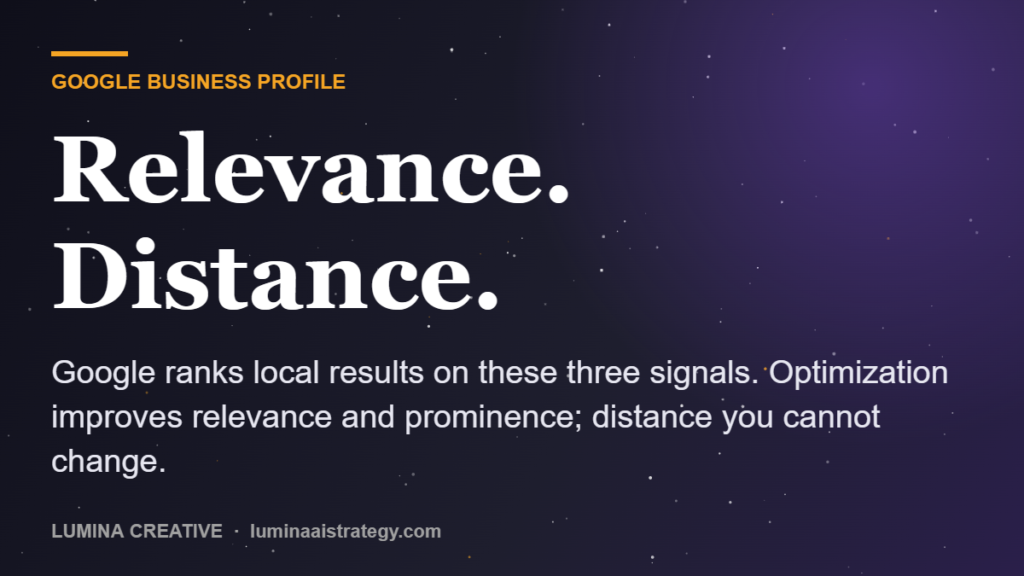
Google describes local ranking in three parts. Understanding them tells you which checklist items deserve the most attention.
| Factor | What it means | What you control |
|---|---|---|
| Relevance | How well your profile matches what someone searched | Categories, services, description and posts |
| Distance | How close you are to the searcher or the area they named | Accurate address or service area |
| Prominence | How well known and trusted your business is | Reviews, ratings, consistent listings and a strong website |
You cannot move your building, but you can strengthen relevance and prominence every week.
Mistakes that can hurt or suspend your profile
- Adding keywords to your business name. Use your real-world name only. Stuffing in services or cities breaks Google’s guidelines and can lead to suspension.
- Using a virtual office or P.O. box as your address. If customers do not visit you, set a service area and hide the address instead.
- Creating duplicate profiles. One location, one profile. Duplicates split your reviews and confuse Google.
- Leaving reviews unanswered. Silence, especially on negative reviews, signals to customers that no one is listening.
- Letting hours go stale. Update special hours for holidays and closures so customers never arrive to a locked door.
How to respond to reviews (with templates)
Reply to every review within a few days. Keep it personal, short and free of private details.
Positive review
“Thank you, [first name]! It was a pleasure helping with your [service]. We appreciate you taking the time to share this and look forward to working with you again.”
Negative review
“Thank you for the feedback, [first name]. We are sorry your experience fell short. We would like to make this right. Please contact us at [phone or email] so we can look into it directly.”
Never argue in public, never confirm private information and always move the conversation offline.
Measure what is working
Open the Performance section of your Business Profile once a month and track four numbers: how many people found you in Search and Maps, calls from your profile, direction requests and website clicks. Note what you changed that month, such as new photos or a burst of reviews, so you can see which checklist items move your results.
Google Business Profile optimization for service-area businesses
If you travel to customers instead of serving them at a storefront, set your profile up as a service-area business. Hide your home address, then list the cities or ZIP codes you actually serve. Google Business Profile optimization works the same way from there, but a few details matter more:
- Name real service areas. List the towns you genuinely work in, not every city within a hundred miles.
- Create a page for each core area on your website. A short page for each main town, with real projects and details, supports your profile.
- Ask for reviews that mention the town. “Great job on our deck in Montclair” helps Google connect you to that area.
Service-area businesses can rank well in the map pack. The key is consistency between your profile, your website and your reviews.
Use photos to stand out in local SEO
Photos are one of the easiest Google Business Profile wins, and one of the most neglected. Profiles with real, recent photos look active and trustworthy, and customers spend more time on them.
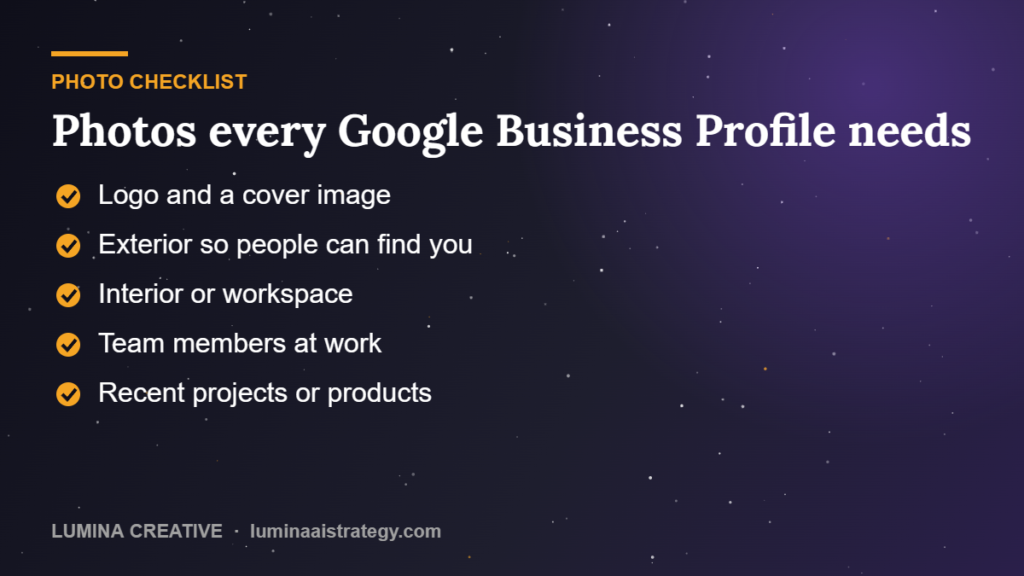
Upload real images, not stock photos. Add a few new ones each month, especially of recent work. Keep file names descriptive and photos well lit. Avoid adding text, logos or watermarks across your images.
A 20-minute monthly Google Business Profile routine
Google Business Profile optimization is not a one-time project. Profiles that stay active tend to perform better, and the upkeep is small.
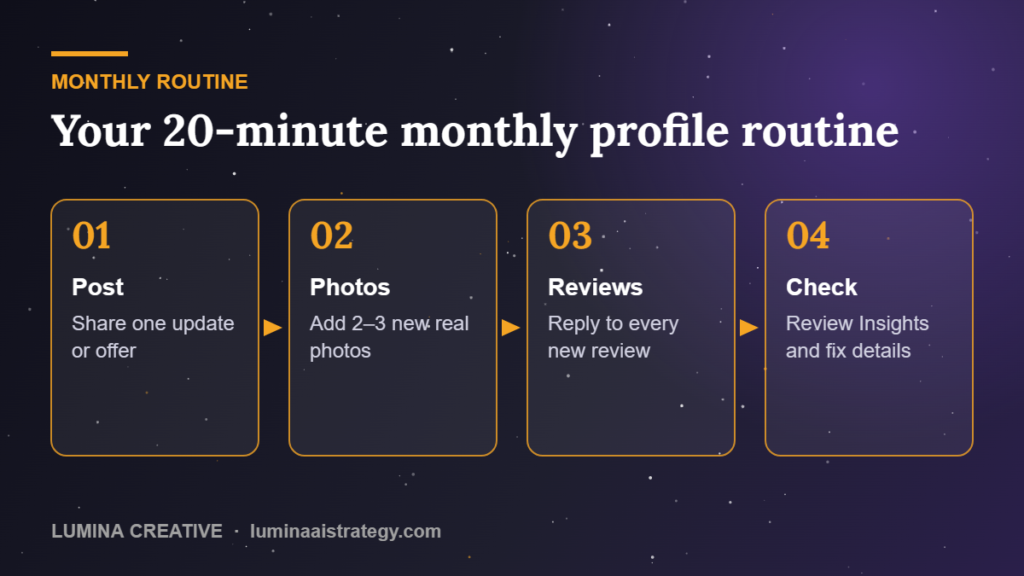
- Publish one post. Share an update, offer, event or recent project with a photo and a clear call to action.
- Add two or three new photos. Show recent work, your team or your space.
- Reply to every new review. Thank happy customers by name and respond calmly to concerns.
- Check your Insights. Look at calls, direction requests and website clicks. Fix anything outdated, such as holiday hours.
Set a recurring reminder on the first Monday of each month. Twenty minutes a month keeps your profile ahead of most competitors.
Answer questions before customers ask
The questions and answers on a profile are an underused part of Google Business Profile optimization. Add the three to five questions customers ask most, such as pricing ranges, service areas and response times, and answer them clearly yourself. This gives searchers the information they need and keeps random answers from strangers out of your profile.
Track whether your optimization is working
Each month, write down your calls, direction requests, website clicks and where you appear for two or three key searches, such as “your service + your town.” Small, steady improvement across these numbers shows your local SEO is moving in the right direction.
Choose the right Google Business Profile categories
Your primary category is one of the strongest relevance signals in local SEO. Choose the one that best describes your main service, not the broadest option available. A “Mobile auto detailing service” is more specific, and usually more effective, than “Car wash.” Then add a few secondary categories that cover other real services you offer. Review your categories once or twice a year, because Google adds new options and your competitors may be using more precise ones. This single setting often moves a business up the map pack faster than any other change.
Write a business description that converts
You have 750 characters for your business description. Use the first two sentences to say what you do, who you serve and where. Then mention your key services, what makes you different and how to get started. Write for customers, not search engines: plain language, no lists of keywords, and no links or promotional claims Google may reject. A clear description supports your Google Business Profile optimization and helps searchers decide to call you instead of the next listing.
Keep your hours and details accurate
Wrong hours frustrate customers and can lead to negative reviews. Update special hours for holidays and closures in advance, and confirm your phone number, website link and appointment link work. Accurate details are a basic local SEO signal and an easy way to build trust.
Use products and services to add relevance
Add each main service to the Services section with a short description and, where it makes sense, a starting price. If you sell items, add them as products with photos. These entries give Google more detail about what you offer and help your profile appear for more specific searches. Keep the names in plain language customers actually use, and update them whenever your offer changes.
Frequently asked questions
How long does it take to rank higher on Google Maps?
Simple fixes like categories and hours can have an effect within weeks. Building reviews and prominence is ongoing work that compounds over several months.
Do I need a Google Business Profile if I do not have a storefront?
Yes. Service-area businesses such as cleaners, contractors and mobile services can create a profile, set the areas they serve and hide their home address.
Is Google Business Profile free?
Yes. Creating and managing your profile is free. Be cautious of anyone who calls claiming you must pay Google to keep or verify your listing.
How Lumina helps local businesses
Our LuminaRank™ pillar audits your profile, fixes inconsistencies across the web and aligns your website so search engines and AI tell the same story. See our web design and SEO services or request a local visibility review.
Key takeaways
- Your primary category, reviews and accurate hours matter most.
- Fresh photos, posts and service lists keep your profile competitive.
- Consistency across your website and listings builds trust with Google and AI.