Small Business Cybersecurity Tips: 9 Simple Habits That Stop Most Attacks
Most cyberattacks on small businesses are not sophisticated. They rely on a reused password, a convincing fake email or a laptop that never got updated. That is good news, because it means a few steady habits stop most of them. These small business cybersecurity tips are practical, low-cost and easy to teach to anyone on your team.
Why small businesses are targets
Attackers know small businesses hold valuable data, such as customer details, payment information and bank access, often with fewer protections than large companies. Holiday season is especially busy for scams, because people are rushing, shopping and expecting deliveries.
9 small business cybersecurity tips
- Use a password manager. It creates and stores a unique, strong password for every account, so one leak does not unlock everything.
- Turn on two-factor authentication for email, banking, your website and social media. Email comes first, because it can reset every other password.
- Pause before you click. Check the sender’s real address, hover over links and be suspicious of urgent requests for money, gift cards or login details.
- Verify payment changes by phone. If a vendor emails new bank details, call a number you already have before sending money.
- Keep devices and software updated. Turn on automatic updates for computers, phones, browsers and your website.
- Back up your data automatically and keep one copy separate from your main systems.
- Limit access. Give each person only the accounts and permissions they need, and remove access the day someone leaves.
- Secure your Wi-Fi. Use a strong router password and a separate guest network for visitors.
- Make a simple incident plan. Write down who to call and what to do if an account is compromised, so you act fast instead of panicking.
How to spot a phishing email
- The sender address does not match the company name.
- The message creates urgency: “Your account will be closed today.”
- It asks for a password, payment or personal details.
- Links point somewhere unexpected when you hover over them.
- Small spelling or design errors appear in a “brand” email.
Free resources worth bookmarking
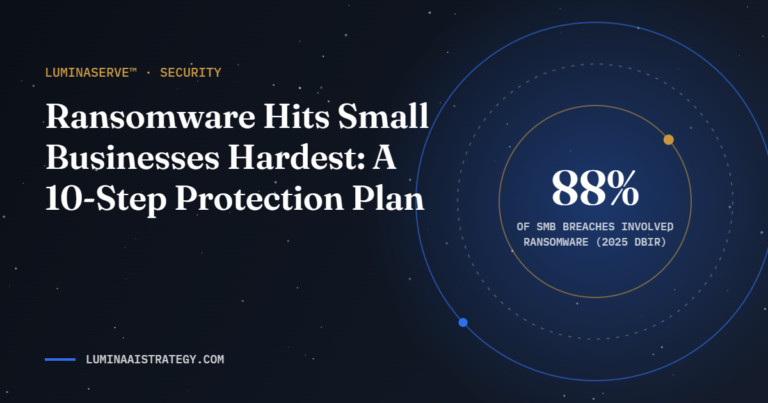
The CISA Secure Our World program offers free, plain-language guides for small businesses. Pair them with our 10-step ransomware protection plan for a stronger defense.
Make security part of your routine
Security works best as a habit, not a one-time project. Add a monthly 15-minute check to your calendar: review who has access to what, confirm backups ran and look for any accounts without two-factor authentication. Small, regular steps keep your business fortified year-round.
Key takeaways
- Most attacks exploit simple gaps, so simple habits stop them.
- Password managers and two-factor authentication are the biggest wins.
- Verify payment requests by phone, every time.
- Backups and an incident plan turn a crisis into an inconvenience.
Want a security review of your website and accounts? Book a Lumina Clarity Call.