
Ransomware Hits Small Businesses Hardest: A 10-Step Protection Plan
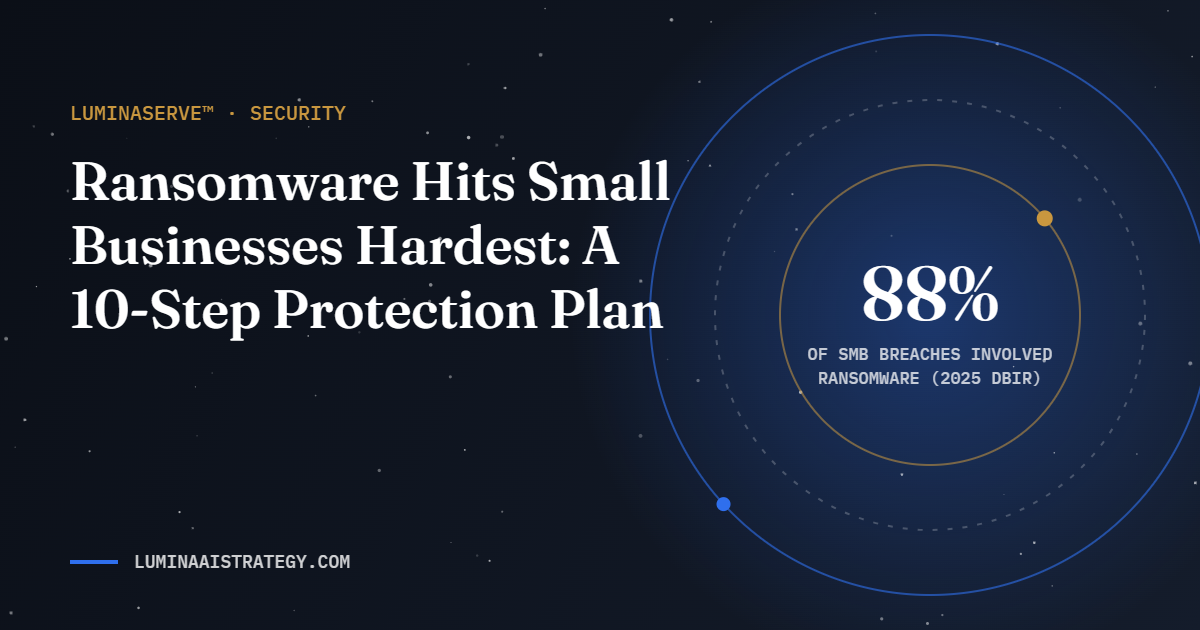
Many owners believe hackers only go after big companies. The data says otherwise. In Verizon’s 2025 Data Breach Investigations Report, ransomware appeared in 88% of breaches at small and medium-sized businesses, compared with 39% at larger organizations, as reported by Infosecurity Magazine.
Ransomware locks your files and demands payment to release them. For a small business, a few days offline can mean missed bookings, lost client trust and real money. The good news: most attacks succeed through basic gaps you can close.
The 10-step protection plan
- Turn on multi-factor authentication (MFA) everywhere. Email, banking, website admin, payment processors and cloud storage first.
- Use a password manager. Unique, long passwords for every account stop one leak from becoming many.
- Back up with the 3-2-1 rule. Three copies of important data, on two types of storage, with one kept offline or in a separate account.
- Test your backups. A backup you have never restored is a hope, not a plan. Test a restore every quarter.
- Update everything. Turn on automatic updates for computers, phones, routers, WordPress, themes and plugins.
- Remove what you do not use. Old plugins, unused accounts and former employees’ access are open doors.
- Train for phishing. Most attacks start with an email or text. Teach your team to pause, verify and report.
- Limit admin access. Give each person only the access their role needs.
- Protect your website. Use a firewall or security plugin, keep logins off public pages, and monitor for changes.
- Write a one-page incident plan. Who to call, what to unplug, where backups live, and how to tell clients.
How ransomware gets into small businesses
Most attacks do not start with genius hacking. They start with an ordinary gap. The most common entry points are:
- Phishing emails that trick someone into clicking a link, opening an attachment or entering a password.
- Stolen or reused passwords, especially on email and remote access accounts without multi-factor authentication.
- Unpatched software on computers, servers, routers, websites or plugins with known security holes.
- Exposed remote access, such as remote desktop left open to the internet.
- Third-party vendors whose access to your systems is not limited or monitored.
Each step in the plan above closes one or more of these doors.
The 3-2-1 backup rule, explained
Backups are your recovery plan when everything else fails. The 3-2-1 rule keeps at least one clean copy out of a ransomware attack’s reach.
| Number | Rule | Example |
|---|---|---|
| 3 | Keep three copies of important data | The original plus two backups |
| 2 | Store them on two different types of storage | A cloud backup service and an external drive |
| 1 | Keep one copy offline or offsite | A drive disconnected after each backup, or an immutable cloud backup |
A backup you have never restored is only a hope. Test a restore every quarter and time how long it takes.
How to spot a phishing email
- Urgent pressure: “Your account will be closed today” or “Pay this invoice now”
- A sender address that is close to, but not exactly, a name you know
- Unexpected attachments or links, even from familiar contacts
- Requests to change payment details, buy gift cards or share login codes
- Links that show a different address when you hover over them
When in doubt, contact the sender through a phone number or website you already know, never through the message itself.
Frequently asked questions about ransomware
Should a small business pay a ransom?
Law enforcement agencies, including the FBI, advise against paying. Payment does not guarantee your data back and can make you a target again. Speak with your security provider, insurer and attorney before making any decision.
Do I need cyber insurance?
Many small businesses benefit from it. Review coverage for ransomware, business interruption and recovery costs, and note the security controls insurers require, such as multi-factor authentication and backups.
Where do I report a ransomware attack?
In the United States, report incidents to the FBI’s Internet Crime Complaint Center (IC3) or your local FBI field office. CISA also offers free guidance and resources for small businesses.
What to do if you are hit
- Disconnect affected devices from the network, but do not wipe them.
- Call your IT or security partner and your cyber insurance provider, if you have one.
- Report the incident to the FBI’s Internet Crime Complaint Center (IC3).
- Restore from clean backups once the threat is removed.
- Follow your legal obligations for notifying affected customers.
The same report found that 64% of victims now refuse to pay ransoms. Paying does not guarantee your data back. Strong, tested backups are what give you that choice.
Make security part of your operations
Security is not a one-time project. It is maintenance, like changing the oil. Our LuminaServe™ pillar covers stability, security and continuity: updates, backups, monitoring and a recovery plan, so what you build stays Fortified.
Want a quick check of where your business stands? Request a security and continuity review.
Key takeaways
- Small businesses are prime ransomware targets.
- MFA, updates and tested offline backups stop most attacks.
- A written incident plan turns panic into steps.