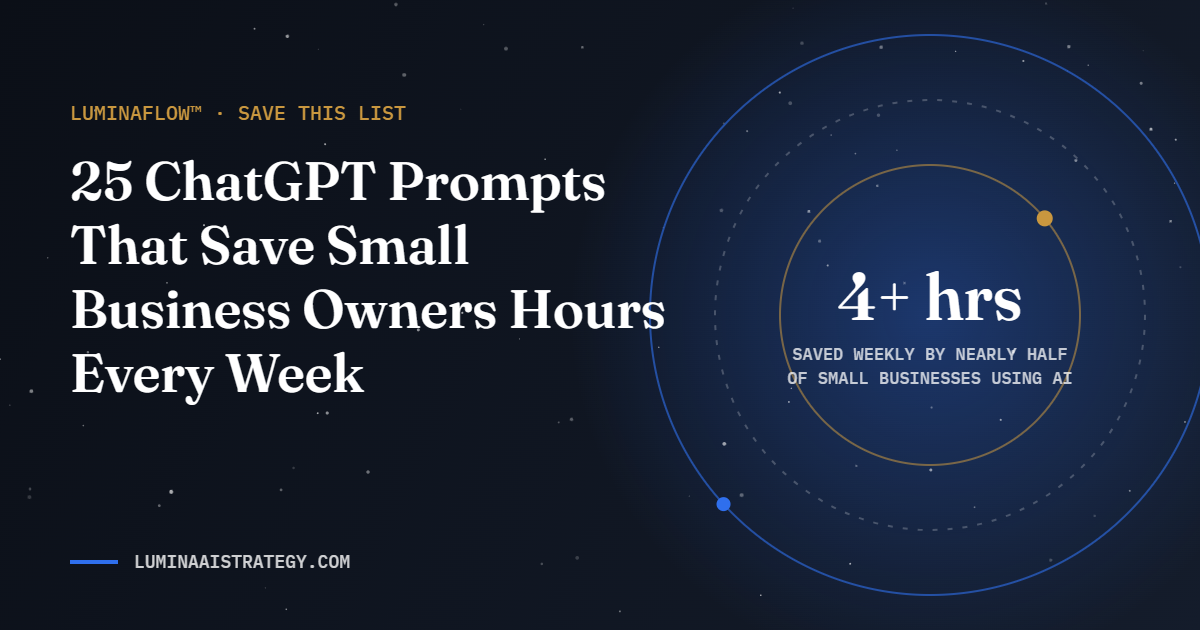
25 ChatGPT Prompts That Save Small Business Owners Hours Every Week
Nearly half of small business owners who use AI save at least four hours a week, according to Bluevine’s 2026 report. The difference between saving time and wasting it is usually the prompt. Bookmark these. They work in ChatGPT, Gemini, Copilot and Claude.
How to use them: replace anything in [brackets] with your details. Never paste client ID numbers, passwords or payment details into an AI tool.
Marketing prompts
- “Act as a marketing strategist for a [type of business] serving [audience] in [area]. Give me 10 blog post ideas based on the questions my customers ask before buying.”
- “Rewrite this paragraph so a busy reader understands it in 10 seconds. Keep my voice: [paste text].”
- “Turn this blog post into 5 social media captions for [platform], each with a different hook: [paste post].”
- “Write 3 subject lines for an email announcing [offer]. One curious, one direct, one urgent but not pushy.”
- “List the 15 questions a first-time customer asks about [service], in the words they would type into Google.”
Sales prompts
- “Draft a friendly follow-up to a lead who requested a quote for [service] 3 days ago and has not replied. Keep it under 90 words.”
- “Here are my notes from a discovery call: [notes]. Summarize the client’s goals, concerns and budget signals, and suggest next steps.”
- “Create a one-page proposal outline for [service] for a client who wants [outcome]. Include scope, timeline and what I need from them.”
- “What objections might a [type of customer] have about [offer], and how could I answer each one honestly?”
- “Write a short thank-you message to a new client that sets expectations for the first two weeks.”
Customer service prompts
- “Turn these customer emails into an FAQ with clear, short answers: [paste emails].”
- “Draft a calm, professional reply to this complaint. Acknowledge the issue, explain next steps, and do not admit fault I have not confirmed: [paste message].”
- “Write a welcome email sequence of 3 messages for new customers of.”
- “Create a simple script for answering the phone and booking an appointment for [business].”
- “Rewrite these instructions at a 6th-grade reading level: [paste instructions].”
Operations prompts
- “Turn this messy process description into a numbered standard operating procedure with a checklist: [paste].”
- “Here is my weekly schedule: [paste]. Find time I could batch, delegate or automate.”
- “Create a template for a weekly one-page business report covering sales, leads, cash and next week’s priorities.”
- “List the steps to onboard a new client for [service], from signed agreement to first deliverable.”
- “Compare these 3 software options for [need] in a table: price, ease of use, integrations and limits: [paste notes].”
Planning prompts
- “Ask me 10 questions, one at a time, to help me build a 90-day plan for [goal].”
- “Act as a skeptical advisor. Poke holes in this business idea and tell me what I would need to prove first: [idea].”
- “Summarize the pros, cons and risks of raising my prices by [amount] for [service].”
- “Draft a simple monthly content calendar for [business] using themes tied to [season or events].”
- “Based on these goals, what are the 3 metrics I should track every week, and why? [goals]”
3 rules for better results
- Give context. Tell the AI who you are, who the audience is and what a great result looks like.
- Ask for options. Request three versions and pick or combine the best.
- Review everything. AI can state wrong facts confidently. Check numbers, names and claims before you publish.
The 4-part formula behind every good prompt
Every prompt above follows the same structure. Once you see it, you can write your own prompts for any task in your business.
| Part | What it does | Example |
|---|---|---|
| Role | Tells the AI whose expertise to use | “Act as a bookkeeper for a small landscaping company.” |
| Task | States exactly what you need | “Write a reminder email for an invoice that is 15 days late.” |
| Context | Gives the facts the AI cannot guess | “The client has paid on time for two years and is usually responsive.” |
| Format | Defines the shape of the answer | “Under 120 words, warm but clear, with one call to action.” |
Leave out any of the four and the answer drifts toward generic. Include all four and you will rarely need more than one revision.
Before and after: the same request, two results
Weak prompt: “Write a social post about my bakery.”
Strong prompt: “Act as a social media manager for a neighborhood bakery in Newark, NJ. Write three Instagram captions announcing our new Saturday sourdough. Audience: busy local parents. Tone: warm and playful. Under 60 words each, with one question to spark comments and three local hashtags.”
The first returns a vague paragraph you will rewrite. The second returns three usable options in your voice, ready for a quick human edit.
Build a prompt library your whole team can use
The real time savings come when good prompts stop living in one person’s head. Keep a shared document or spreadsheet with these columns:
- Task name, such as “Quote follow-up” or “Monthly newsletter draft”
- The full prompt, with [brackets] marking what changes each time
- An example of a great result, so everyone knows the standard
- Review owner, the person who approves the output before it goes out
Review the library once a quarter. Retire prompts nobody uses and refine the ones that need frequent rewrites.
Common prompt mistakes to avoid
- Pasting sensitive data. Client IDs, payment details and passwords never belong in a prompt.
- Accepting the first draft. Ask follow-ups such as “make it shorter” or “give me two more options.”
- Skipping fact checks. AI can state wrong numbers, dates or policies with total confidence. Verify before publishing.
- Using one giant prompt for everything. Break big jobs into steps: outline first, then draft, then polish.
Frequently asked questions
Do these prompts work outside ChatGPT?
Yes. They are written in plain language and work in Claude, Gemini, Microsoft Copilot and most AI assistants. Results vary slightly by tool, so test your most-used prompts in the assistant your team prefers.
Can I use AI-written content on my website?
Yes, as long as a person reviews it for accuracy and voice. Search engines reward helpful, original content regardless of how it was drafted, so add your own experience, examples and local details.
How long should a prompt be?
As long as it needs to be to cover role, task, context and format. For most business tasks, that is two to five sentences.
Ready to go beyond prompts?
Prompts save minutes. Systems save hours. Our LuminaFlow™ pillar turns your best prompts into connected workflows that run with less effort. Let’s map your first automation.