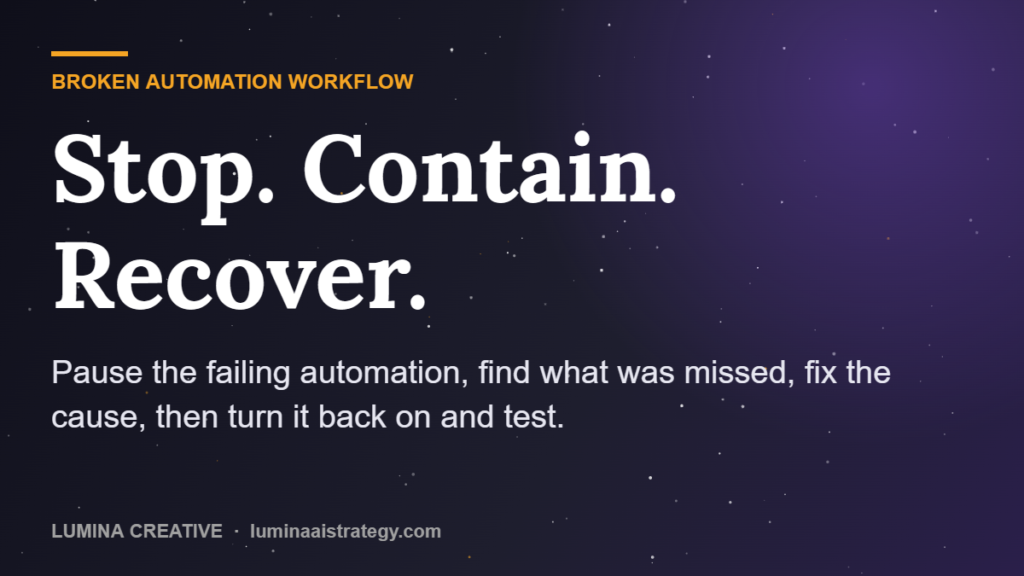

When Your Automations Break: A Triage Checklist for Broken Workflows
Automations save hours until the day they quietly stop. A form stops sending leads to your CRM, welcome emails stop going out, or invoices never get created. Often nobody notices until a client asks why they never heard back. When you find a broken automation workflow, a calm, step-by-step triage gets your business back on track fastest.
Here is a practical checklist for diagnosing a broken automation workflow and fortifying it so it fails less often.
Step 1: Confirm what actually broke
- Which step stopped working: the trigger, the data transfer or the final action?
- When did it last work correctly?
- Was anything changed around that time, such as a form, plugin, password or app update?
Step 2: Check the usual suspects
- Expired connections. Apps disconnect when passwords change or access tokens expire. Reconnect the account.
- Renamed or removed fields. If a form field was edited, the automation may be looking for something that no longer exists.
- Plan limits. Free and lower-tier plans cap tasks or steps. Check your usage.
- Turned-off workflows. Some platforms pause a workflow automatically after repeated errors.
- App outages. Check the status page of each connected service.
Step 3: Recover what was missed
- Review the automation history or task log for failed runs.
- Replay failed runs if your platform allows it.
- Otherwise, export recent form entries and add missing leads manually.
- Reach out to anyone who did not receive a response.
Step 4: Prevent the next failure
- Turn on error notifications so failures reach you immediately.
- Document each workflow: trigger, steps, connected accounts and owner.
- Test critical workflows monthly with a dummy submission.
- Keep a manual backup process for your most important lead path.
Signs your automation is quietly failing
The most dangerous broken automation workflow is the one that fails silently. Nothing crashes, and no alarm sounds; work simply stops moving. Watch for these warning signs:
- New leads stop appearing in your CRM, even though your website traffic has not changed.
- Customers mention they never received a confirmation, reminder or invoice.
- Reports show sudden drops to zero, rather than gradual declines.
- Team members start doing tasks by hand “just to be safe.”
- Your automation platform shows errors or paused tasks you have not reviewed.
If you notice any of these, start the triage steps above right away. A few hours of missed automation is easy to recover. A few weeks can cost real revenue.
The usual causes of a broken automation workflow
Most failures come from a short list of everyday changes, not from mysterious technical problems.
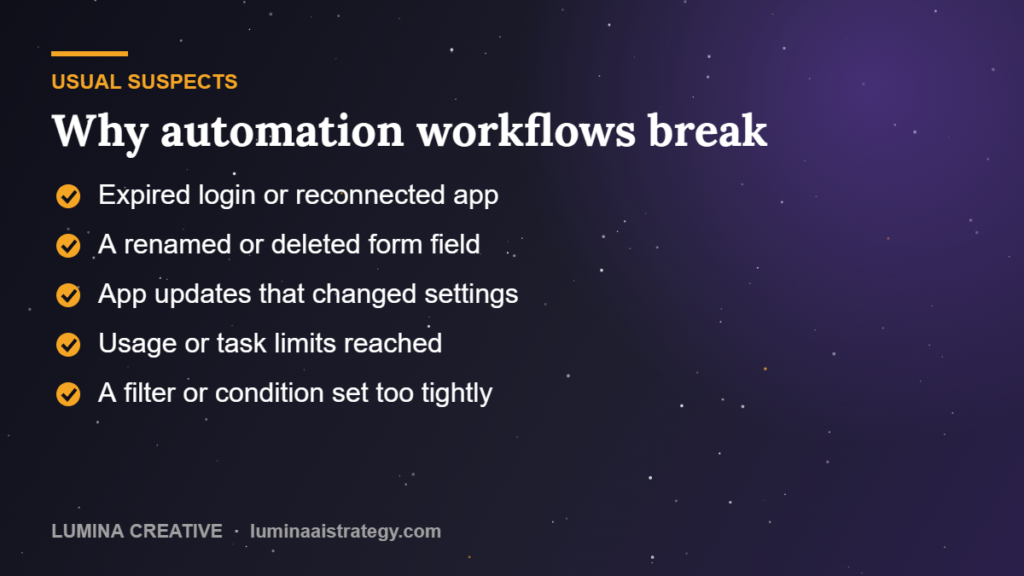
- Expired connections. Passwords change, security settings update or an app asks you to reconnect, and the automation loses access.
- Changed fields. Someone renames or deletes a form field, so the data no longer has a place to go.
- App updates. A tool releases a new version that changes how data is sent or received.
- Usage limits. Your plan reaches its monthly task limit, and the platform pauses everything until it resets.
- Overly strict filters. A condition that once made sense now blocks valid records.
Check these first. In most small businesses, they explain the large majority of failures.
How to recover missed data
Fixing the automation is only half the job. You also need to catch up on what was missed while it was down.
- Find the start of the outage. Look at the automation history for the last successful run.
- List what was missed. Pull form submissions, payments or messages from the source app for that period.
- Process them by hand or replay them. Many automation platforms let you re-run failed tasks once the problem is fixed.
- Contact affected customers. A short, honest note, “We had a technical issue and want to make sure you are taken care of,” protects trust.
Prevent the next failure
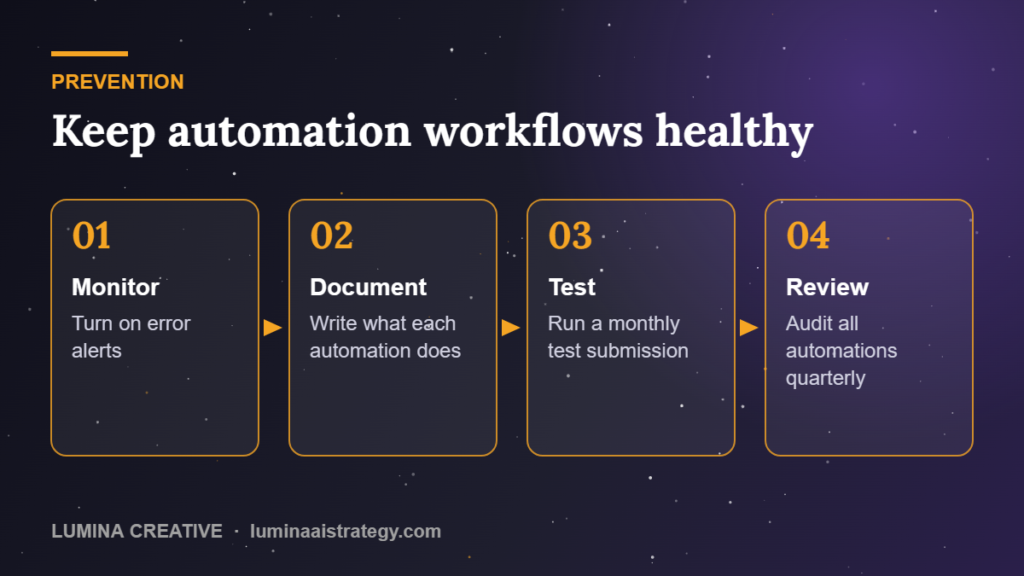
Every broken automation workflow is a chance to make your systems stronger.
- Turn on error alerts in your automation platform so failures reach a person immediately.
- Document each automation: what triggers it, what it does, which accounts it uses and who owns it.
- Run a monthly test, such as a test form submission, and confirm every step completes.
- Review all automations quarterly to remove old ones and update connections before they expire.
- Use a shared business login for important connections, rather than one employee’s personal account.
When to call for help
If an automation handles payments, client data or anything regulated, and you cannot find the cause within an hour, pause it and get help. A specialist can usually trace the problem quickly from the error logs. Meanwhile, switch to a simple manual process so customers are not affected.
Build a simple status page for your systems
You do not need special software to stay on top of your tools. A shared spreadsheet works well. List each connected process in its own row with columns for what it does, the apps involved, the owner, the date it was last tested and any known issues. Review the sheet once a month in your team meeting. This takes ten minutes and turns invisible background tasks into something everyone can see and trust.
Questions to ask after every outage
When things are running again, take fifteen minutes to learn from the problem. Ask your team:
- How did we find out something was wrong, and could we have found out sooner?
- What was the root cause, and is anything else exposed to the same risk?
- Which customers were affected, and have we followed up with each of them?
- What single change would most reduce the chance of this happening again?
- Does our documentation need updating?
Write the answers in your status sheet. Over time, these short reviews make your whole operation more reliable.
Choosing tools that fail gracefully
Some platforms make problems easy to spot and fix; others hide them. When you choose or review tools, look for clear task history, email or chat alerts when a step fails, the ability to replay failed tasks, and good support documentation. Paying a little more for a tool that tells you when something goes wrong is almost always worth it for a small business.
Real-world examples
- The disappearing leads. A business renamed its contact form’s “Phone” field to “Best number to reach you.” The connection to the CRM silently stopped sending phone numbers, and the sales team spent two weeks calling no one back. A monthly test submission would have caught it the same day.
- The paused invoices. A growing company reached its automation plan’s monthly task limit in the third week. Invoices stopped sending until the next billing cycle. An alert at 80 percent of the limit now gives them time to upgrade.
- The expired password. An employee who owned the main email connection changed their password and then left the company. Reminders stopped for every client. The fix was moving all important connections to a shared business account.
Each of these problems was simple to fix once it was found. The real cost came from the time it went unnoticed, which is why monitoring matters as much as the original setup.
Your next step
Pick the single most important process in your business, such as lead capture or invoicing. Today, check when it last ran, turn on error alerts and write two sentences describing what it does. That small habit is the beginning of a business that runs reliably even when you are not watching.
How Lumina approaches reliability
At Lumina, we design every client system with monitoring and documentation from day one. Each process has a named owner, error alerts that reach a person, and a short written guide so the business is never dependent on one individual’s memory. If you are managing several tools that pass information between them and want a second set of eyes, a short review can uncover weak points before they turn into missed leads or late invoices.
A calm checklist to keep handy
Print or bookmark this short version for the next time something stops working:
- Pause the failing process so it does not create bad data.
- Note when it last ran successfully.
- Check connections, field names, recent app updates, plan limits and filters.
- Fix the cause and run a test.
- Recover anything that was missed and contact affected customers.
- Turn on alerts and update your documentation.
Problems with connected tools are a normal part of running a modern business. With a clear plan, they become short interruptions instead of costly surprises. You can find more guidance on dependable small business technology practices from the Cybersecurity and Infrastructure Security Agency’s small business resources.
Key takeaways
- Most failures come from expired connections, changed fields or plan limits.
- Recover missed data before rebuilding anything.
- Error alerts and monthly tests keep workflows reliable.
Need a hand restoring a critical workflow? LuminaFlow™ and LuminaServe™ cover automation repair and ongoing monitoring. Reach out here.